From Receipt to Tax-Ready in a Few Simple Steps
Capture receipts, track your GST/HST position, and keep organized, tax-ready records all year long.

Track. Claim. Grow With Zoombooks!
Sign Up & Set Up
Create your Zoombooks account and add your business details in minutes.
Track Your Finances
Snap receipts, log income and mileage and track your GST/HST position.
Grow Your Business
Claim every deduction with CRA-compliant and keep more at tax time.
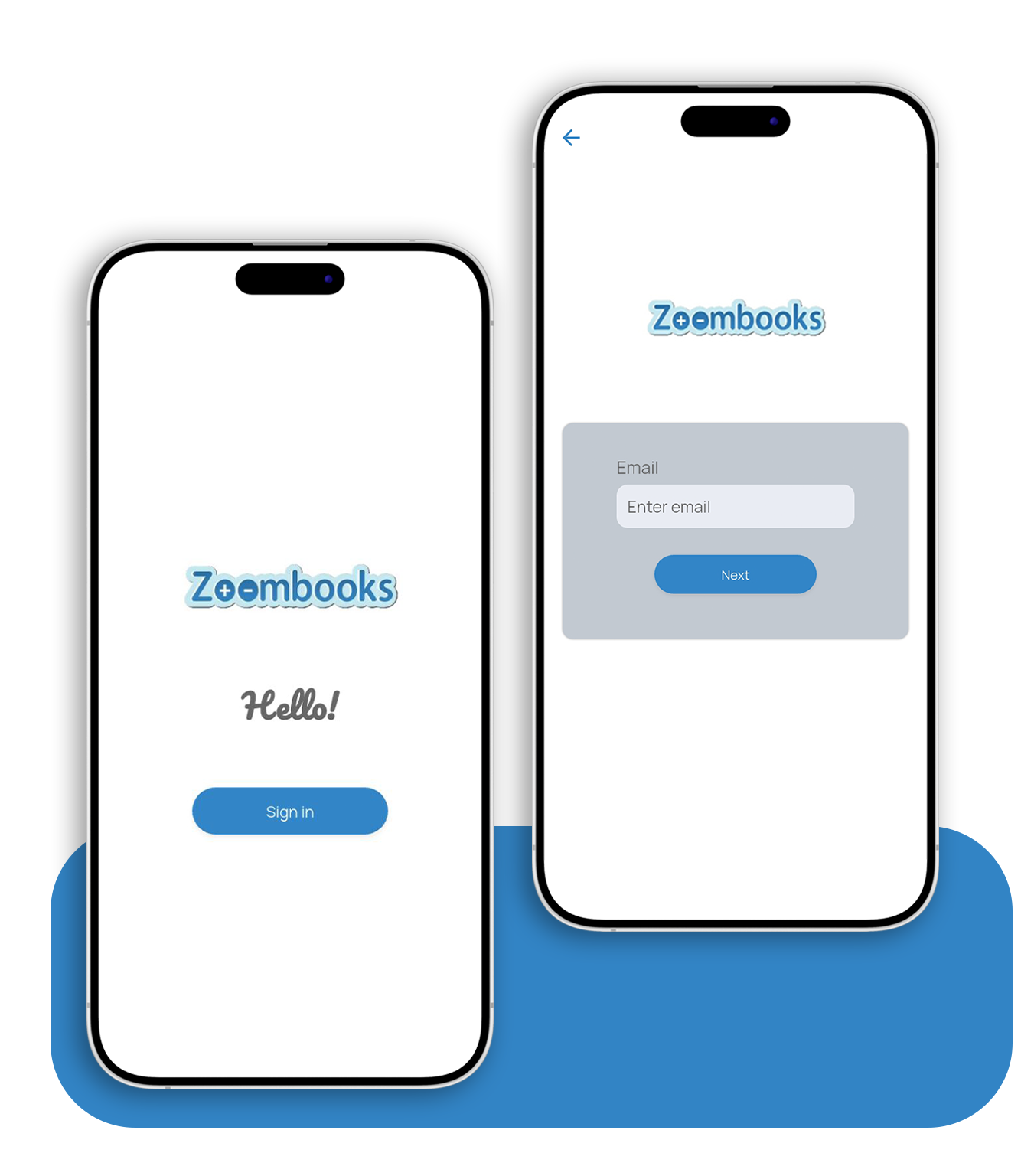
Sign Up Free
Download Zoombooks on iOS or Android and sign in with your email — no accounting knowledge, no setup calls, no chart of accounts to build.
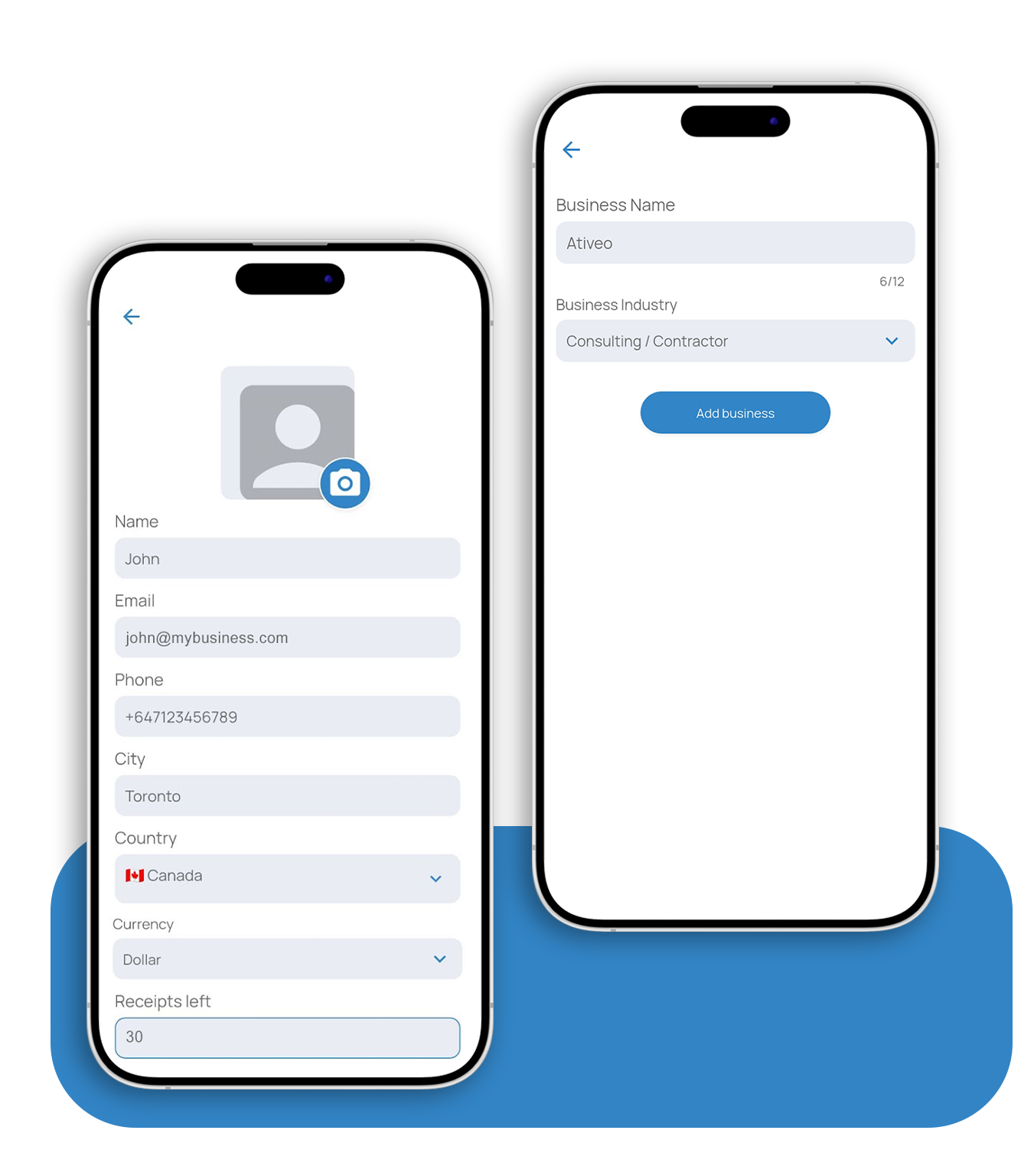
Set Up Your Business
Add your profile and business details — name, city, country, currency, and industry — so your books are tailored to how the CRA taxes your work.
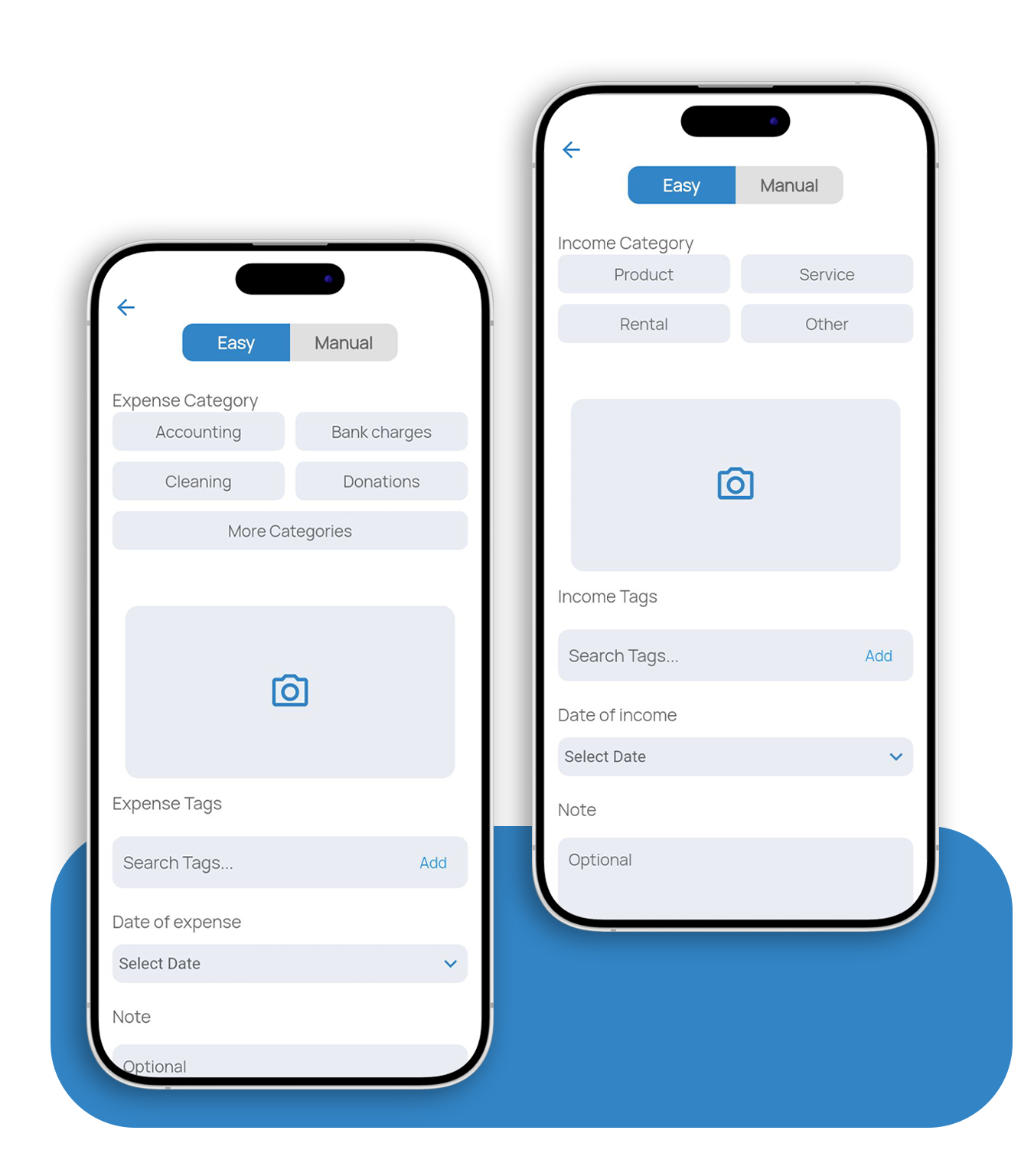
Capture As You Go
Scan or enter each expense and income as it happens, tag it to a CRA category with the date and GST/HST, and let your records build all year.
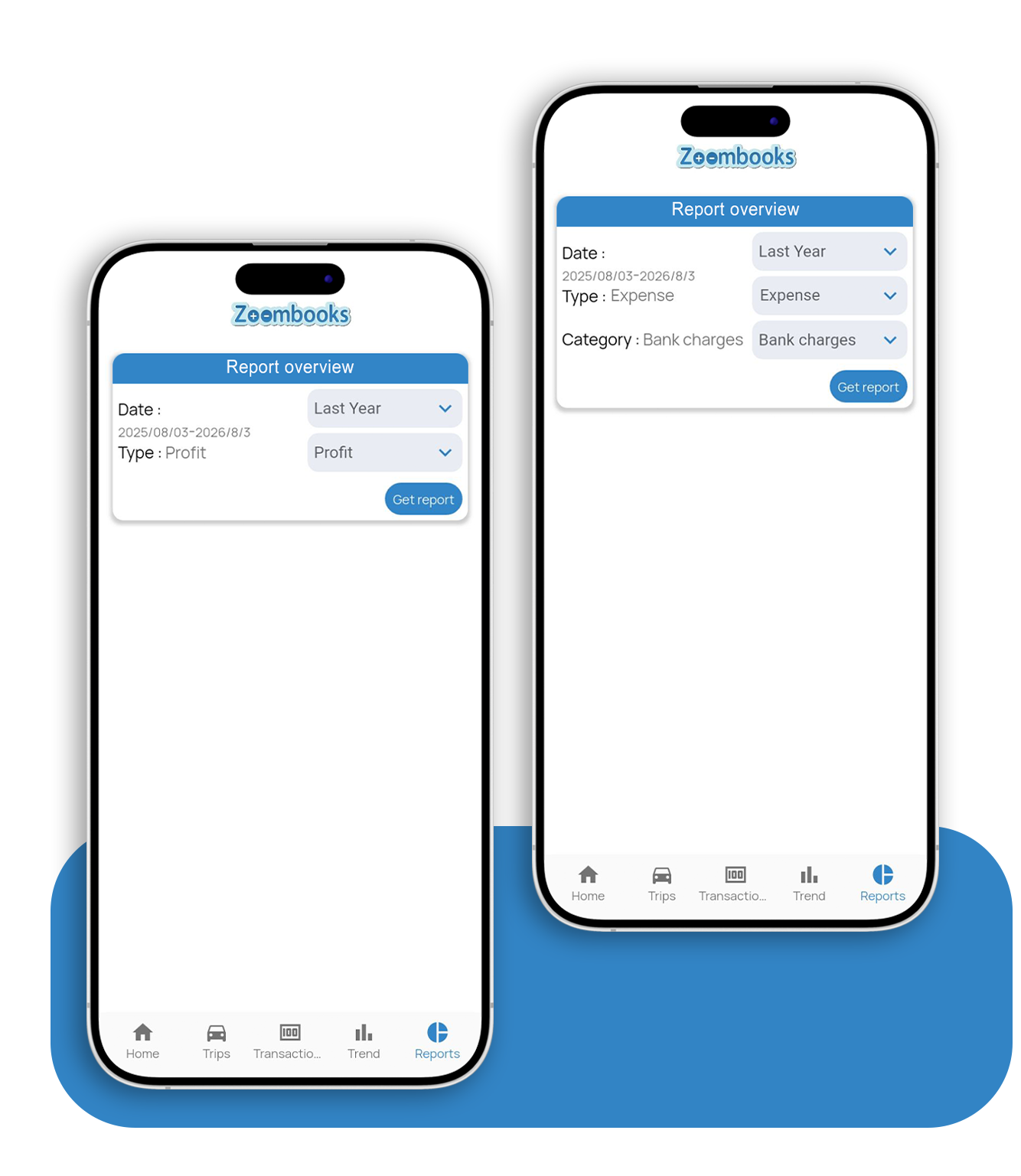
Generate & Share Reports
Pull an accountant-ready report by date, type, and category — profit, expenses, GST/HST, or income — and share it straight with your accountant.